- Is BudgetSheet safe?
- Yes. BudgetSheet does not store or handle your bank logins. All bank connections go through Plaid, a trusted financial data provider used by major apps. BudgetSheet only stores an encrypted, read-only access token needed to fetch transactions and balances. Your transaction data is written directly to your Google Sheet — BudgetSheet does not store transactions in its database.
- How much does BudgetSheet cost?
- After a free trial, paid plans start at $6/month or $59/year. Plans: Basic ($6/month or $59/year, up to 5 accounts); Pro ($8/month or $79/year, up to 30 accounts, investment accounts included); Business ($20/month or $149/year, up to 100 accounts, investment accounts included). All prices are in USD.
- How long is the free trial?
- BudgetSheet offers a 15-day free trial with 1 bank account connection. No credit card is required to start.
- Which banks does BudgetSheet support?
- BudgetSheet supports 10,000+ US and Canadian financial institutions through Plaid, including checking accounts, savings accounts, credit cards, and investment accounts. Search the full list at budgetsheet.com/banks.
- Is BudgetSheet a Mint alternative?
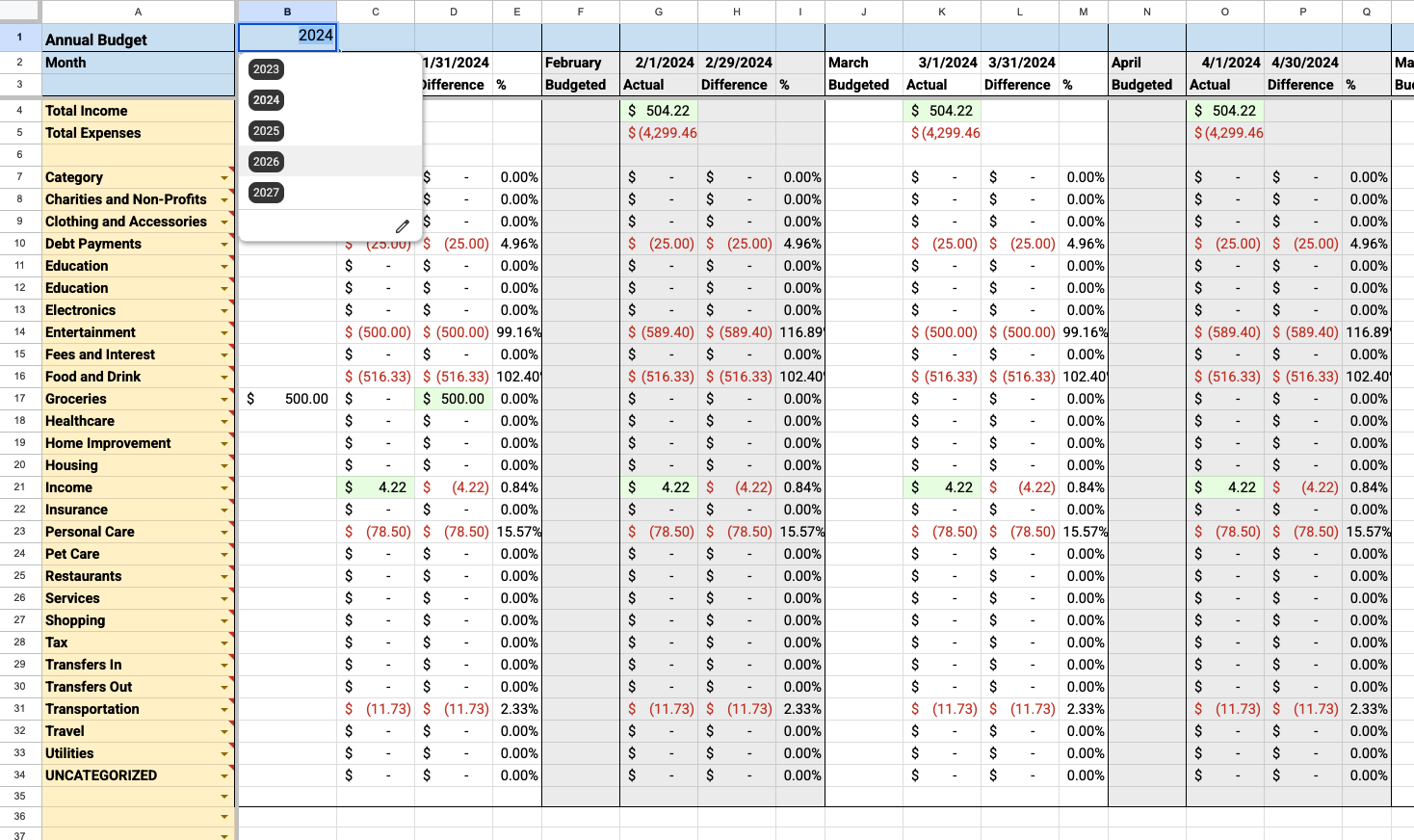
- Yes. BudgetSheet is a strong alternative for people who want full control over their budget in Google Sheets instead of a closed app. You own your data in your own spreadsheet, with live bank imports via Plaid. See our article on Mint shutting down for migration tips.
- Do I need Google Sheets?
- Yes. BudgetSheet is a Google Sheets add-on available from the Google Workspace Marketplace. You need a Google account and a Google Sheet to use it.
- What data does BudgetSheet import?
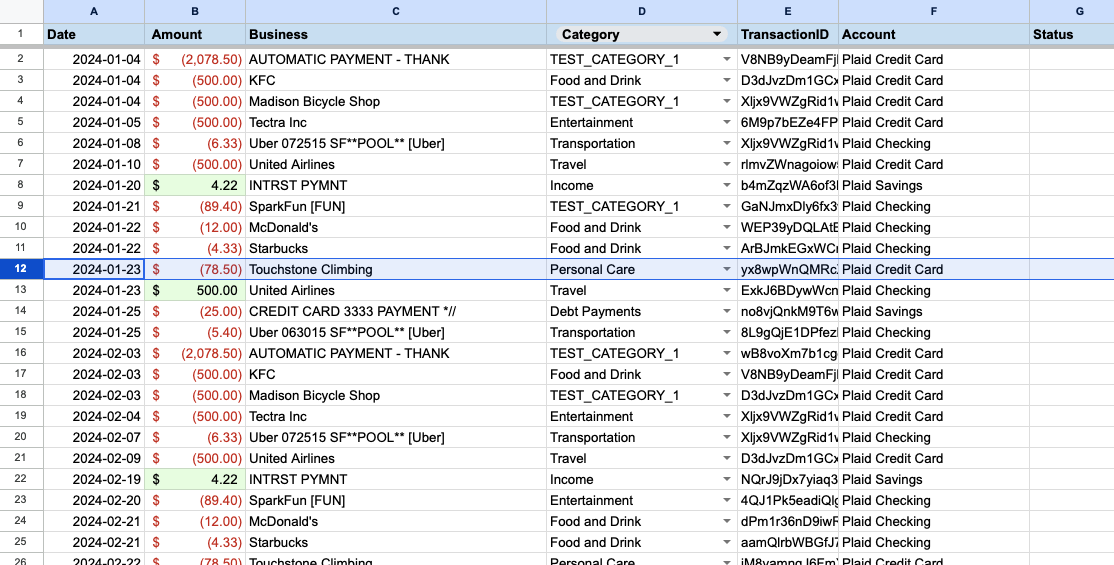
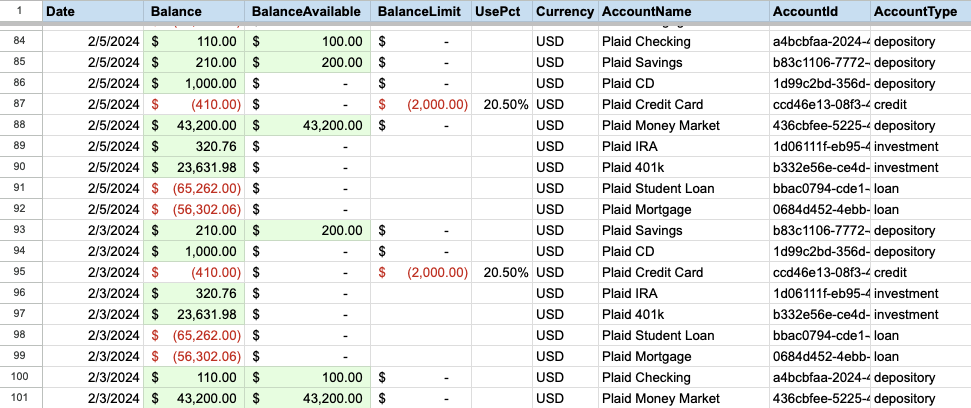
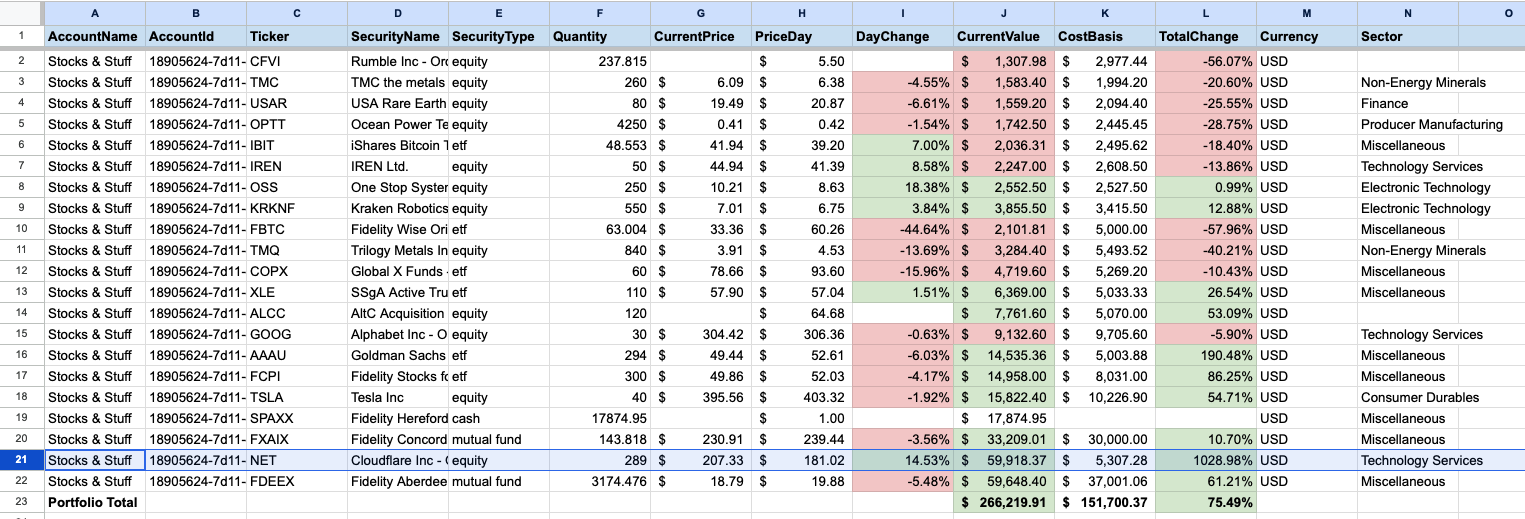
- BudgetSheet imports bank and credit card transactions, account balances, and investment holdings (on Pro and Business plans). Data is written to your spreadsheet with optional auto-categorization and formatting.
- Can I cancel my subscription?
- Yes. You can cancel anytime. Your paid plan remains active until the end of your billing period. BudgetSheet does not lock your spreadsheet data — your sheet is always yours.
- Does BudgetSheet store my bank login credentials?
- No. BudgetSheet never sees or stores your bank username or password. Authentication is handled entirely by Plaid.
- Can I use BudgetSheet for business bookkeeping?
- Yes. The Business plan supports 100+ linked accounts and is used by bookkeepers and small businesses who want live bank data in Google Sheets.