BudgetSheet 2.9.7 - Detect Duplicate Pending Transactions
Sometimes pending transactions do not get detected and auto-removed. This update ships a tool to help highlgiht possible duplicates for manual review and/or deletion.
Pending transactions hanging around and not getting cleaned up has been one of the top gripes about BudgetSheet from users. This happens when Plaid does not return a matching pending_transaction_id on a fully settled transaction that allows BudgetSheet to clean up the early pending transaction row that was inserted into the sheet.
This new tool is under a new Sheet Tools menu on the main sidebar, under the Manage Accounts option.

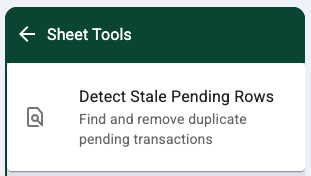
Opening the Sheet Tools page will list the tools available (currently only detect pending dupes):
Clicking on that option will open the page to highlight or automatically delete pending rows that BudgetSheet believes to be duplicates:
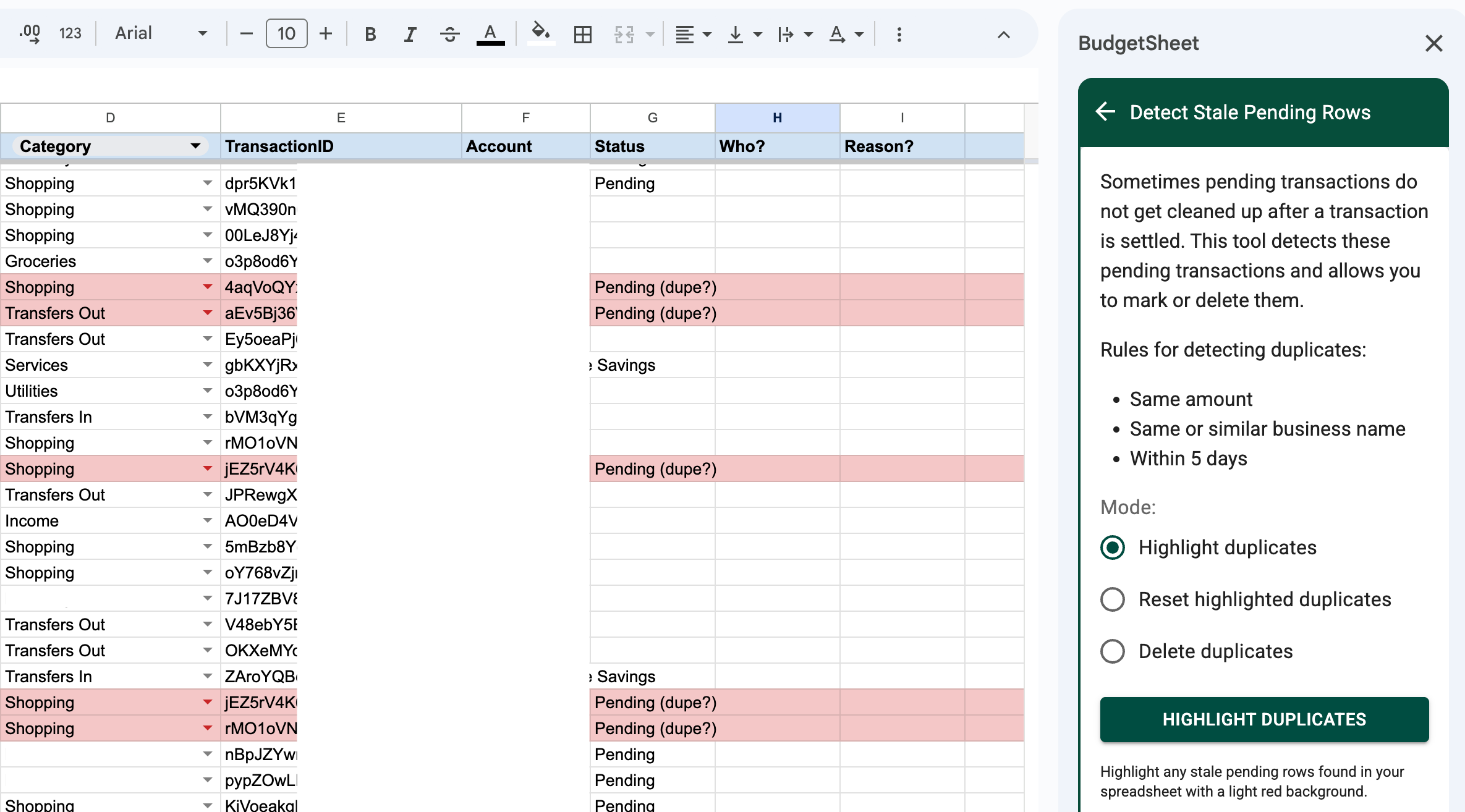
Highlighting the rows is great if you want to manually review them all. Pending duplicates will be highlighted in light red, and matching settled transactions will be highlighted in light blue.
You can either manually delete the pending rows one by one, or let BudgetSheet do it for you if everything looks good.
Happy Budgeting!
- Vance L

